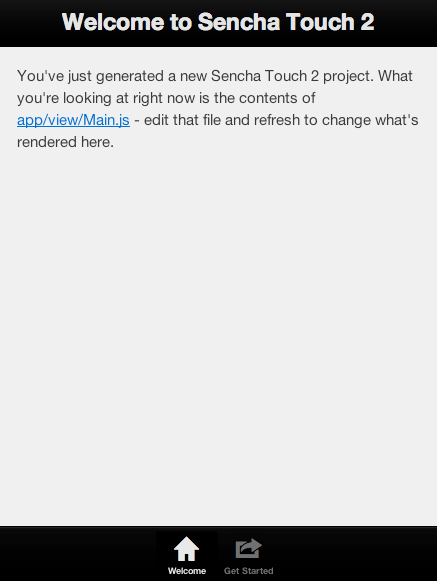
Sencha Touch 2.2 Alpha shipped with Windows Phone 8/IE 10 support. And it's pretty impressive! Just take a look at the starter app under the original theme and the Windows Phone 8 theme:
The Default Theme:
WP8 Theme:
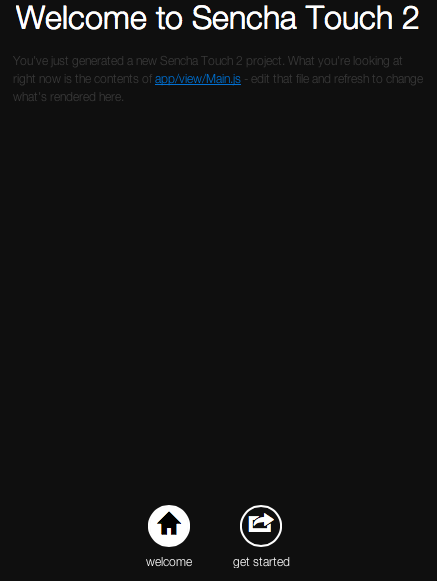
And it only takes a minute or two to get to the second screen. (if you have Sencha Cmd and Sencha Touch SDK 2.2 alpha ready). Here's how.
- In SDK folder, generate the app with
sencha generate app Foo path/to/foo - Workaround the bug shipped in this alpha version. This won't be necessary once the bug has been fixed in the next release
- Open
resources/sass/app.scssin the generated project folder )it should look like this after step 2). Replace every appearance of the word default to "windows". Then runcompass compile resources/sassin the project root. - Serve the project in a web server (I usually do
python -m SimpleHTTPServer), fire up its url (localhost:800) and...
Boom!