When it comes to Swift source code editing, nothing beats Xcode 6.3! That includes Xcode 6.2, which drove me to good'O Vim for a while.
Except it's not the old Vim, I'm trying out NeoVim. The most noticable difference in NeoVim compared to Vim is its recent addition of a built-in terminal.
With the help of syntax highlighting and a Makefile, working with Swift this way turns out to be a fine alternative.
(As a side benefit, I'm forced to use only local-context autocompletion. Now I can actually spell out full UIKit APIs 😉.)
Here's a gif:
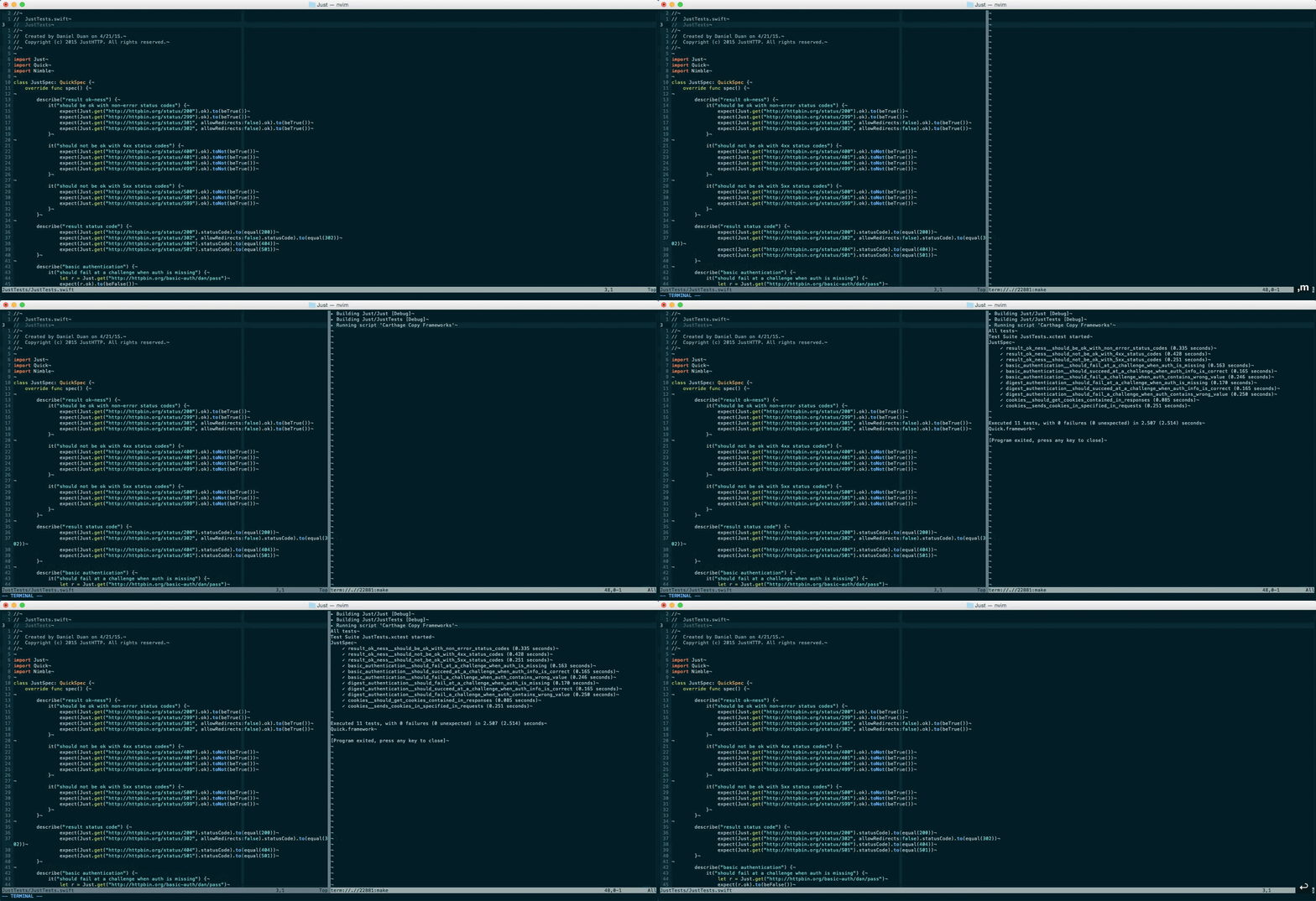
Some details are easy to miss. I pressed ,m, , being my binding for
<leader>. A terminal session launched with the make command running. When
that's done, I could press any key and the terminal pane was dismissed. Since
test is the default target in my Makefile, the test suit for my Swift
codes actually ran.
Here's how the shortcut is set in .nvimrc:
if has('nvim')
    nnoremap <leader>m :rightbelow vertical split <bar> :term make<cr>
endif
The makefile is pretty straightforword if you've worked with xcodebuild.
test :
    @xcodebuild test -project ProjectName.xcodeproj -scheme SchemeName -destination 'platform=iOS Simulator,name=iPhone 6' | xcpretty

clean :
    @xcodebuild clean
xcpretty is a nifty script that
makes xcodebuilds output much more readable.
Happy vimming, Swifties :)